Table Of Content
- 🎉 Exclusive Deals & Special Savings
- Why Parent-Controlled Calling Matters for Kids
- How TinCan Makes Family Communication Easier
- Key Parent-Controlled Features of TinCan
- 1. Approved Contacts
- 2. Parent-Controlled Companion App
- 3. Scheduled Quiet Hours
- 4. Wi-Fi Connectivity
- 5. Emergency Calling
- TinCan Calling Plans and Pricing
- Pros and Cons of TinCan
- ✨ Unlock Great Offers & Discounts
- Frequently Asked Questions
- 1. Can parents control who calls their children on TinCan?
- 2. Can parents schedule when children can use TinCan?
- 3. Does TinCan require a traditional landline?
- 4. Can children call grandparents using TinCan?
- 5. Can parents manage multiple TinCan phones?
- 6. Does TinCan support emergency calls?
- Conclusion
Giving children their first phone is an important decision for many families. Parents want their kids to communicate with grandparents, friends, and relatives, but they may also want to control who can contact them and when calls are allowed. A parent-controlled phone for kids offers a practical middle ground between having no independent communication and introducing a full smartphone. Instead of giving children unrestricted access to digital features, families can choose a simpler calling experience with clear boundaries. TinCan brings this idea to life through a Wi-Fi home phone that allows parents to manage approved contacts, calling permissions, and quiet hours. It gives children an opportunity to enjoy independent conversations while parents remain involved in managing their communication.
🎉 Exclusive Deals & Special Savings
Why Parent-Controlled Calling Matters for Kids
Children benefit from learning how to communicate independently, but parents naturally want to establish reasonable boundaries around phone use.
A traditional smartphone provides access to numerous communication and entertainment features. However, younger children may only need a simple way to speak with familiar people.

Parent-controlled calling can help families establish a more organized communication routine.
Some important benefits include:
- Approved communication: Parents decide which contacts can communicate with their children.
- Better boundaries: Calling schedules can help prevent interruptions during bedtime, homework, or family activities.
- More independence: Children can contact familiar people without constantly borrowing a parent’s phone.
- Simpler communication: A dedicated handset keeps the experience focused on voice conversations.
- Family involvement: Parents can manage important calling settings through a companion application.
The objective is to balance children’s growing independence with appropriate parental involvement.
How TinCan Makes Family Communication Easier
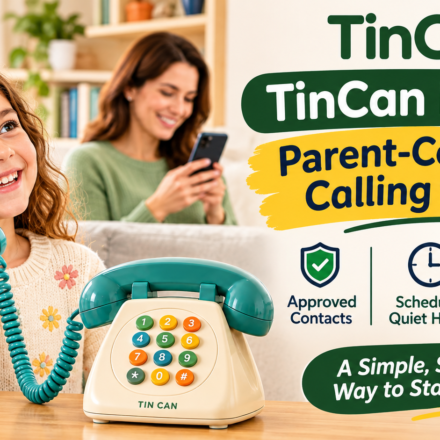
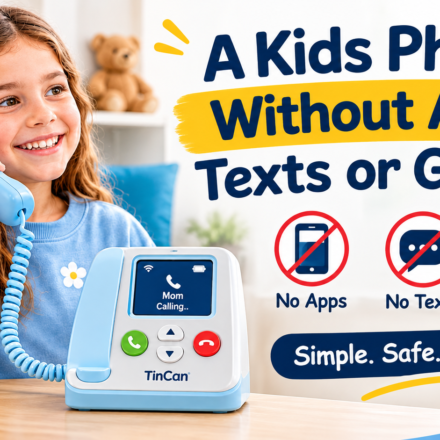
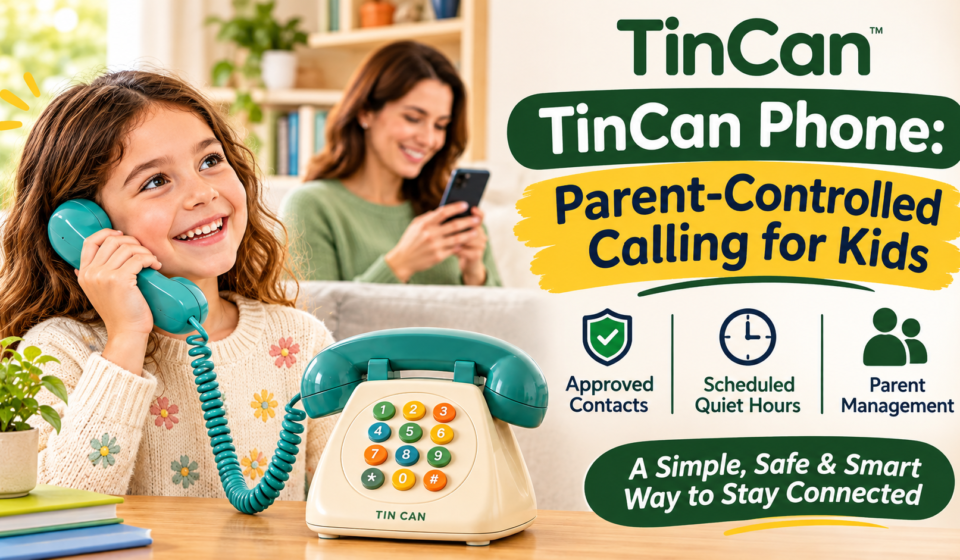
TinCan is a Wi-Fi-enabled home phone designed specifically for children. It combines the familiar experience of a traditional telephone with modern parent-managed calling features.
TinCan gives children a dedicated device for voice calls instead of a smartphone. Parents can manage contacts and settings through the app, while kids use the handset to make and receive approved calls.

This separation makes the system straightforward: adults manage the settings, while children enjoy talking with their approved contacts.
Key Parent-Controlled Features of TinCan
1. Approved Contacts
One of the most important features is contact approval.
Parents manage the list of people their children can call and receive calls from. Only approved contacts can communicate through the device.
This gives families greater control over incoming and outgoing communication.
For example, parents can add grandparents, relatives, and trusted friends to their child’s contact list. They can also update the list when family circumstances change.
2. Parent-Controlled Companion App
TinCan includes a companion application for parents.
Through the app, adults can manage important settings without requiring children to operate a smartphone.
Available management features include:
- Adding and removing approved contacts.
- Managing calling permissions.
- Setting scheduled calling hours.
- Managing voicemail.
- Reviewing call history.
- Managing multiple TinCan devices.
These options help parents maintain control while allowing children to use their own dedicated phone.
3. Scheduled Quiet Hours
Managing phone time is just as important as managing contacts.
TinCan allows parents to schedule Quiet Hours through the companion app. During these periods, incoming and outgoing calls are disabled.
This can be useful for establishing boundaries around:
- Bedtime and sleeping hours.
- Homework and study sessions.
- Family meals.
- Other periods when children should take a break from phone calls.
Emergency calling remains available when enabled, according to TinCan’s emergency-calling settings.
4. Wi-Fi Connectivity
TinCan uses a home Wi-Fi connection rather than a traditional telephone jack.
Parents can connect the device through the companion app and place it in a convenient location around the house.
One important consideration is that TinCan is designed as a stationary home phone. It requires electrical power and an internet connection to operate, so it is not intended to replace a mobile phone when children are away from home.
5. Emergency Calling
TinCan supports 911 emergency calling, which can be configured during setup.
Parents should make sure the emergency address and settings are correctly configured. Since the phone depends on electricity and internet connectivity, families should also maintain an alternative emergency communication method.

TinCan Calling Plans and Pricing
TinCan provides two main calling options.
Can 2 Can Plan
- Included with every device.
- Free calling between approved TinCan devices.
- No additional monthly subscription required.
- Supports emergency calling.
This option can be useful for families whose children communicate with friends or relatives who also own TinCan devices.
Party Line Plan
- $9.99 per month on the listed US pricing.
- Allows calls to approved regular phone numbers.
- Includes communication with mobile phones and landlines.
- First month free according to the official product listing.
The Party Line subscription is optional. Families can choose between monthly and annual billing options where available. Pricing and availability may vary by country.
The TinCan phone is listed at $100 on the official US product page. Shipping, taxes, and current delivery estimates should be checked during checkout.
Pros and Cons of TinCan
Pros
- Parents control approved incoming and outgoing contacts.
- Scheduled Quiet Hours help establish calling boundaries.
- Dedicated phone designed for children.
- Wi-Fi connectivity without a traditional phone jack.
- Free calling between TinCan devices.
- Parent-managed settings and multiple-device management.
Cons
- Requires a working Wi-Fi connection.
- Needs electricity to operate.
- Designed for home use rather than travel.
- Calling regular phone numbers requires the Party Line subscription.
- Parents need a compatible smartphone for initial setup and ongoing management.
Understanding these advantages and limitations helps families decide whether the device matches their communication needs.
✨ Unlock Great Offers & Discounts
Frequently Asked Questions
1. Can parents control who calls their children on TinCan?
Yes. Parents manage approved contacts through the companion app. Only authorized contacts can communicate with the child’s phone.
2. Can parents schedule when children can use TinCan?
Yes. Parents can configure Quiet Hours to disable incoming and outgoing calls during selected periods.
3. Does TinCan require a traditional landline?
No. It connects through home Wi-Fi and requires an electrical outlet. A traditional phone jack is not necessary.
4. Can children call grandparents using TinCan?
Yes. Children can call approved grandparents through the Party Line Plan if they use regular phone numbers. Calling another TinCan device is available through the free Can 2 Can Plan.
5. Can parents manage multiple TinCan phones?
Yes. Parents can manage multiple devices through one companion app, with contact lists and settings configured for each phone.
6. Does TinCan support emergency calls?
Yes. TinCan supports 911 calling. Parents should configure emergency settings and understand that power and internet outages can affect normal operation.
Conclusion
Choosing a parent-controlled phone for kids is about finding a balance between independence and responsible communication. Children want the freedom to speak with friends and family, while parents want control over approved contacts and calling schedules.
TinCan combines these needs through its dedicated Wi-Fi phone, parent-managed companion app, approved contact lists, and scheduled Quiet Hours. Its two calling plans also provide flexibility for different family communication needs.
If you are considering a simpler way for children to stay connected, explore the official TinCan store to learn more about its features, available colors, and calling options.