Table Of Content
- Save More on Every Order – Grab the Latest Coupons & Deals
- Why Online Workflow Security Matters
- How NordVPN Fits the Topic
- Useful NordVPN Features for Remote Website Management
- Pricing and Plan Considerations
- Pros and Cons
- Save More on Every Order – Grab the Latest Coupons & Deals
- Frequently Asked Questions
- Is a VPN enough to secure a website management workflow?
- Can I use NordVPN on multiple devices?
- Does NordVPN protect me on public Wi-Fi?
- Can NordVPN be used for remote desktop access?
- Is NordVPN suitable for a business team?
- Related Resources
- Conclusion
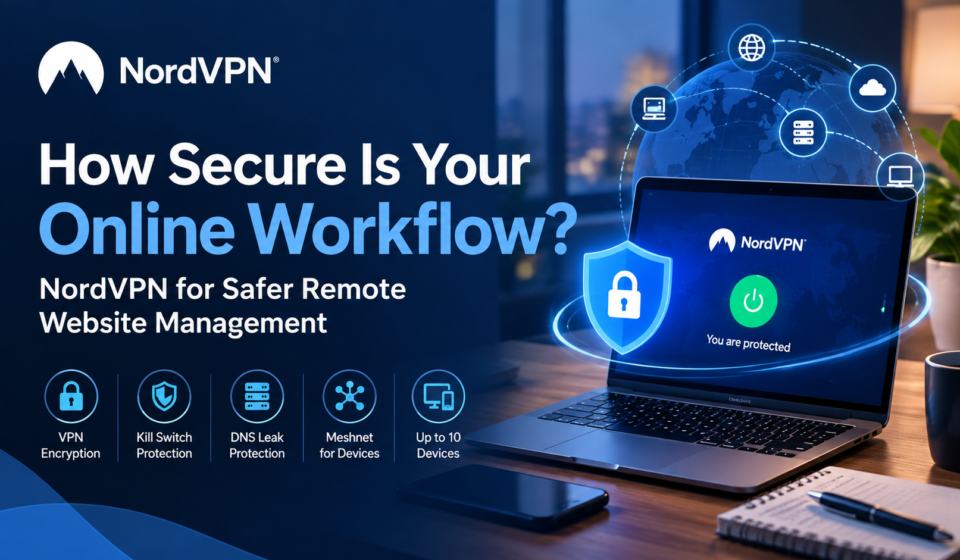
How secure is your online workflow when you manage websites, dashboards, files, or client accounts remotely? A reliable internet connection is only one part of the picture. Remote website management can involve logging into WordPress, hosting panels, analytics platforms, email accounts, and other services that may contain sensitive information. If you connect through an unfamiliar network, especially public Wi-Fi, protecting the connection becomes another practical security consideration. A VPN can encrypt internet traffic and help reduce exposure while you work online. NordVPN is one option worth examining because its consumer VPN includes encryption, a kill switch, DNS leak protection, multiple protocols, and support for up to 10 devices on one account.
Save More on Every Order – Grab the Latest Coupons & Deals:
Why Online Workflow Security Matters
A remote workflow often crosses several layers: your device, local network, internet connection, login service, website platform, and cloud tools. A weakness in any layer can create unnecessary risk.
CISA recommends secure access methods like VPNs, but a VPN alone is not enough. Strong passwords, MFA, updates, backups, and proper access controls are also essential.

For website owners and freelancers, the practical goal is simple: reduce avoidable exposure while keeping the workflow usable.
How NordVPN Fits the Topic
NordVPN provides a secure VPN connection that encrypts internet traffic and masks the user’s IP address. Its current feature set includes an automatic kill switch, DNS leak protection, and several connection protocols, including NordLynx and OpenVPN. NordVPN also states that its no-logs policy is independently verified. These features can be relevant when you are managing websites from laptops or other devices, particularly when the network itself is not fully trusted.
One useful distinction is between personal VPN use and business network security. NordVPN’s support documentation says businesses needing team management and secure remote access should look at NordLayer, its separate business-focused product. That distinction matters if your workflow involves multiple employees rather than one person managing a site independently.
Useful NordVPN Features for Remote Website Management
Several features support an online workflow:
- Encryption: Protects data between your device and VPN server.
- Kill Switch: Blocks internet access if the VPN disconnects.
- DNS Leak Protection: Keeps DNS requests within the VPN.
- Multiple Devices: Secures up to 10 devices per account.
- Meshnet: Enables encrypted device connections and remote access.
- Threat Protection: Helps block scams, malware, ads, and trackers.

Pricing and Plan Considerations
NordVPN’s official pricing page currently lists Basic, Complete, and Prime plans, with 1-month, 1-year, and 2-year options. At the time of research, the listed introductory prices vary by plan and subscription term, and renewal prices can differ from promotional introductory pricing. NordVPN also lists a 30-day money-back guarantee on its current plans.
Because pricing and offers change, check the official NordVPN pricing page before subscribing rather than relying on an older review or screenshot.
Pros and Cons
Potential advantages:
- Encrypted VPN connection for everyday remote work.
- Kill switch and DNS leak protection.
- Support for multiple devices.
- Optional privacy and security features beyond the core VPN.
- Meshnet can be useful for connecting supported personal devices.
Things to consider:
- A VPN does not replace MFA, strong passwords, backups, updates, or secure website administration.
- Some advanced security tools are tied to higher-tier plans.
- Businesses needing centralized team controls may need NordLayer rather than a standard NordVPN consumer subscription.
- Promotional pricing and renewal costs can change.
Save More on Every Order – Grab the Latest Coupons & Deals:
Frequently Asked Questions
Is a VPN enough to secure a website management workflow?
No. A VPN protects the network connection, but website security also depends on account security, software updates, backups, access controls, and the security of the website platform itself.
Can I use NordVPN on multiple devices?
Yes. NordVPN currently states that one account can secure up to 10 devices at the same time.
Does NordVPN protect me on public Wi-Fi?
A VPN can encrypt your connection on public Wi-Fi, which can reduce exposure to network-level snooping. It does not eliminate every risk associated with using an untrusted network. CISA also recommends using VPNs or other authorized secure access solutions when connecting from third-party networks.
Can NordVPN be used for remote desktop access?
NordVPN documents Meshnet as a way to create a private connection between devices for remote desktop use. Its support documentation also says NordVPN does not support port forwarding for remote desktop connections.
Is NordVPN suitable for a business team?
For centralized business use, NordVPN directs customers toward NordLayer, which is designed for team management and secure remote access.
Related Resources
For a broader look at features, pricing, privacy, and safety considerations, see the NordVPN reviews, price, safety, and features guide on Review Ness.
Conclusion
A secure online workflow is built from several layers, not one tool. For remote website management, a VPN can add a useful layer of connection privacy, especially when working away from a trusted network. NordVPN combines encrypted VPN access with features such as a kill switch, DNS leak protection, multiple-device support, and optional security tools. The right setup still depends on your wider security practices. If you want to evaluate NordVPN for your own workflow, compare the current features and pricing on the official NordVPN store before choosing a plan.