Table Of Content
- 🎉 Save More on Every Order – Grab the Latest Coupons & Deals
- 1. Check Bike Compatibility
- 2. Compare Power Accuracy
- 3. Review Connectivity and App Support
- 4. Understand Resistance and Simulated Gradients
- 5. Plan Your Space, Setup, and Budget
- 🎉 Save More on Every Order – Grab the Latest Coupons & Deals
- Frequently Asked Questions
- Is the Wahoo KICKR CORE 2 good for beginners?
- What is the difference between KICKR CORE 2 and KICKR?
- Do I need a special bike for a Wahoo smart trainer?
- Can a Wahoo smart trainer connect to Zwift?
- What accessories should I budget for?
- Where can I check current Wahoo trainer prices?
- Conclusion
A smart trainer can make indoor cycling more engaging by connecting your bicycle to training apps, tracking power, and adjusting resistance as your virtual route changes. However, choosing the right model involves more than comparing prices or looking at product photos. A Wahoo smart trainer buying guide can help you understand which features matter most before investing in equipment for your home.
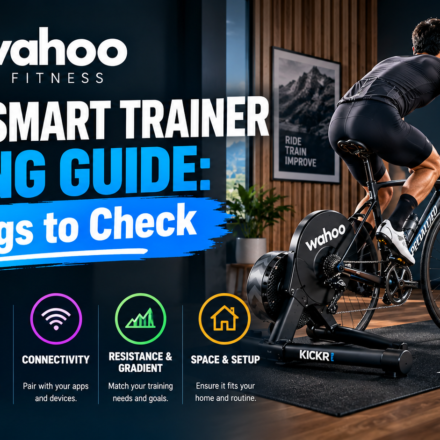
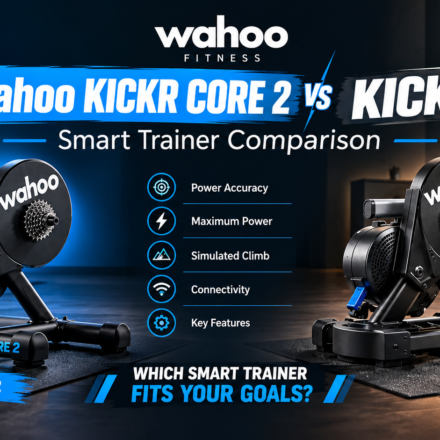
Whether you want to complete structured workouts, ride virtual routes, or maintain your cycling routine when outdoor conditions are unsuitable, the right setup should work with your bicycle and available space. Wahoo Fitness offers options such as the KICKR CORE 2 and KICKR, which differ in price, power accuracy, maximum output, and simulated climbing ability. Checking five key areas can help you make a more informed decision.
🎉 Save More on Every Order – Grab the Latest Coupons & Deals
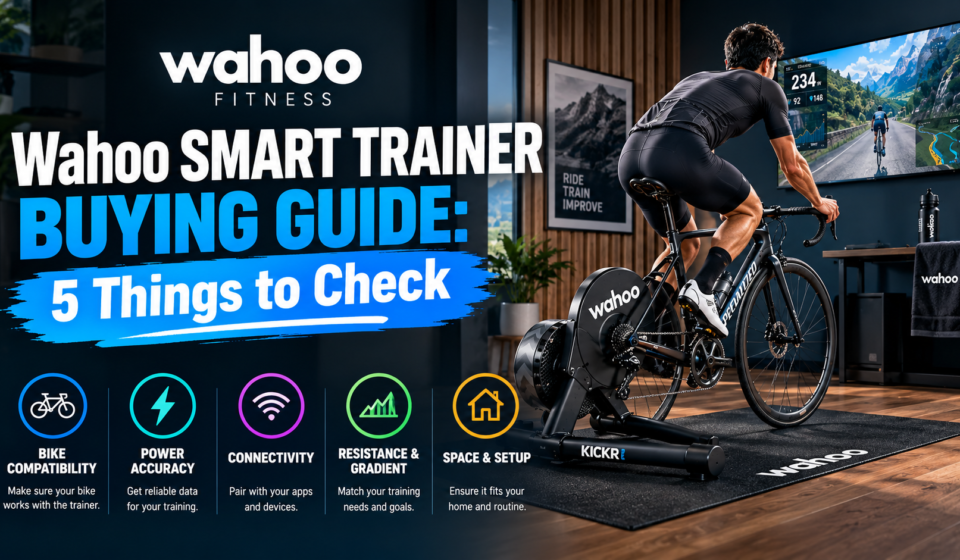
1. Check Bike Compatibility
Bike compatibility should be your first priority. Even a capable trainer will not be useful if it cannot accommodate your bicycle’s frame, axle, or drivetrain.
Check your bike’s axle type, hub spacing, cassette speed, and drivetrain before choosing a trainer. Direct-drive models require compatible cassette or virtual-shifting setups.

Wahoo’s KICKR CORE 2 supports several common quick-release and thru-axle configurations, with adapters included for supported setups. It is available with an 11-speed cassette or a Zwift Cog and Click option. The Cog setup may be useful for riders seeking virtual shifting, but you should still confirm compatibility with your specific bike.
What to check:
- Rear axle type and spacing.
- Cassette speed and drivetrain compatibility.
- Included adapters and required accessories.
- Official bicycle compatibility information.
Do not assume that every road, gravel, or mountain bike fits automatically. Verify your exact configuration before ordering.
2. Compare Power Accuracy
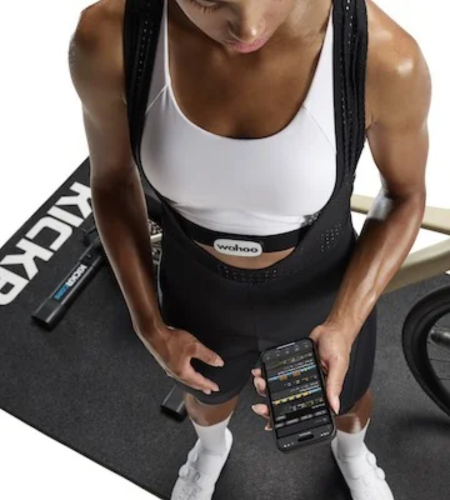
Power accuracy helps track workout intensity, follow structured training plans, and compare performance across sessions using watt measurements.
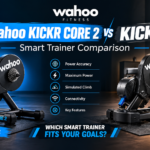
The CORE 2 offers ±2% power accuracy, compared with ±1% for the KICKR. The difference affects measurement precision, not fitness gains. Choose based on your training needs and accuracy preferences.
For casual virtual rides, general fitness, and many beginner training plans, the CORE 2 may provide the capabilities you need. Riders who prioritize tighter stated accuracy may prefer to consider the standard KICKR.
Also check whether your training app uses the trainer’s power data or a separate power meter. Different devices and measurement methods can produce slightly different readings, so consistency in your setup is useful.
3. Review Connectivity and App Support
Connectivity determines how your trainer communicates with your phone, computer, cycling sensors, and training software. Before buying, confirm that the trainer supports the devices and applications you plan to use.
Wahoo smart trainers support wireless connections such as Bluetooth and ANT+. The KICKR CORE 2 also includes Wi-Fi connectivity, which supports features such as wireless firmware updates and improved data connectivity. The standard KICKR offers Wi-Fi, Bluetooth, ANT+, and additional connectivity options.
Consider your actual routine. If you train using a laptop, check whether your operating system and app support the intended connection method. If you use a heart-rate monitor or cadence sensor, confirm that your planned devices can pair correctly.
Make sure your home Wi-Fi reaches your training area if you expect to use network-dependent features. Compatibility with popular cycling platforms is helpful, but app requirements can change, so check current support details before purchasing.
4. Understand Resistance and Simulated Gradients
Smart trainers can change resistance to reflect virtual climbs, descents, and structured workout instructions. Their maximum power output and simulated gradient ratings help indicate the range of training demands they can support.
Wahoo lists the KICKR CORE 2 at up to 1,800 watts and a maximum simulated gradient of 16%. The standard KICKR is rated for up to 2,200 watts and a simulated gradient of 20%. Both list a maximum simulated descent of -10%.
These figures can help you compare the models, particularly if you regularly complete demanding intervals or ride steep virtual climbs. However, maximum specifications do not tell the whole story. Your training level, preferred software, workout types, and budget are equally important.
A rider who mainly completes steady endurance sessions may not need the higher limits of the standard KICKR. Someone who wants more headroom for high-power efforts and steeper simulated climbs may find its specifications more appealing.
5. Plan Your Space, Setup, and Budget
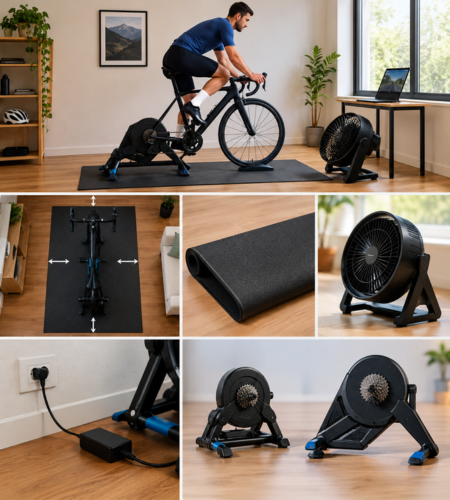
Ensure you have enough space to mount your bike, connect the trainer, and ride safely. Measure the floor area, including the trainer legs and room to mount or dismount.
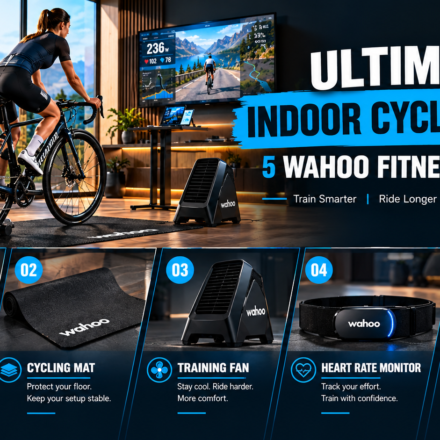
Consider noise, flooring, storage, ventilation, and outlet access. A trainer mat protects floors, while a fan improves comfort. Include these accessories in your total budget.
At the time of research, Wahoo’s US website listed the KICKR CORE 2 at $549.99 and the standard KICKR at $849.99. Prices and availability can change by region, configuration, and time, so check the official store for current details.
The CORE 2 is the lower-cost option of these two, while the standard KICKR offers higher stated power accuracy, output, and simulated climbing capability. Compare those differences with your actual needs instead of paying for features you may rarely use.
🎉 Save More on Every Order – Grab the Latest Coupons & Deals
Frequently Asked Questions
Is the Wahoo KICKR CORE 2 good for beginners?
It can be a suitable option for beginners who want a direct-drive trainer with app connectivity, adjustable resistance, and power measurement. Check bike compatibility and included components before purchasing.
What is the difference between KICKR CORE 2 and KICKR?
The standard KICKR has higher stated power accuracy, maximum power output, and simulated climbing capability. The CORE 2 costs less at the listed US prices, making it worth considering for riders who do not need the higher specifications.
Do I need a special bike for a Wahoo smart trainer?
Not necessarily, but your bicycle must be compatible with the trainer’s axle, frame, and drivetrain requirements. Check the official compatibility guidance for your exact bike.
Can a Wahoo smart trainer connect to Zwift?
Wahoo trainers support compatible indoor cycling apps, including Zwift. Your device, connection method, and selected trainer configuration can affect the setup, so check the latest requirements.
What accessories should I budget for?
Depending on your setup, you may want a trainer mat, fan, desk, or other indoor cycling accessories. Some accessories are optional, so start with the essentials and add equipment according to your needs.
Where can I check current Wahoo trainer prices?
Visit the official Wahoo Fitness store to review current models, available configurations, specifications, and regional pricing before making your decision.
Conclusion
Choosing the right Wahoo smart trainer starts with five practical checks: bike compatibility, power accuracy, connectivity, resistance capability, and available space and budget. The KICKR CORE 2 offers a lower-cost route into direct-drive indoor training, while the standard KICKR provides higher stated performance specifications for riders who want additional capability.
Before making a decision, compare your training goals with the features you will genuinely use. Explore the official Wahoo Fitness store to review current models and confirm compatibility, pricing, and included accessories. A well-matched setup can make indoor cycling more convenient and help you maintain a consistent training routine.