Table Of Content
- Save More on Every Order – Grab the Latest Coupons & Deals
- 7 Key Expenses to Include in Your WordPress Website Budget
- 1. Domain Name Registration
- 2. Website Hosting
- 3. WordPress Themes and Design
- 4. Plugins and Additional Features
- 5. Business Email
- 6. Backup and Security Tools
- 7. Website Maintenance
- How to Create a Realistic Website Budget
- Save More on Every Order – Grab the Latest Coupons & Deals
- Frequently Asked Questions
- How much does a WordPress website cost for beginners?
- Is WordPress free to use?
- Does Bluehost include a free domain?
- Do I need premium WordPress plugins?
- What is the most important website expense?
- Conclusion
Building a website is an important step for a blog, small business, online store, or personal brand. However, understanding the total WordPress website cost can be challenging when different services come with different pricing structures. Although WordPress software is available for free, running a professional website may require spending on a domain name, web hosting, design, plugins, email, security, and ongoing maintenance.
The good news is that you can control many of these expenses by deciding what your website actually needs before you launch. Whether you are creating your first blog or developing a business website, planning these seven costs helps you avoid unnecessary purchases. Hosting providers such as Bluehost offer WordPress hosting plans that can be considered when comparing your initial setup budget and long-term website expenses.
Save More on Every Order – Grab the Latest Coupons & Deals:
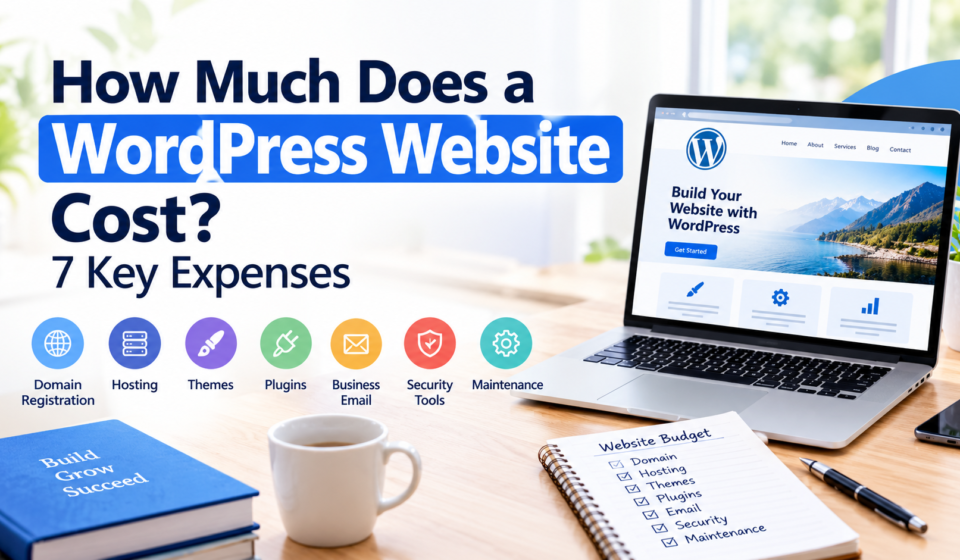
7 Key Expenses to Include in Your WordPress Website Budget
1. Domain Name Registration
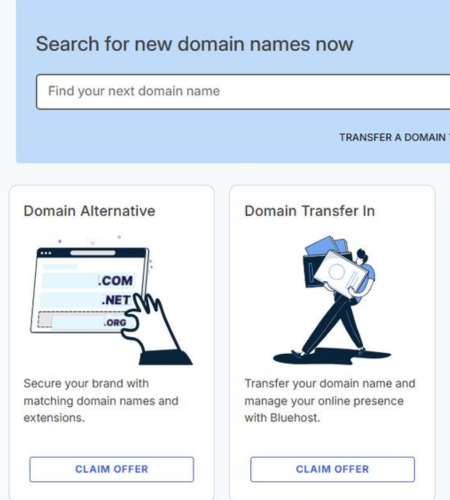
Your domain name is your website’s address, such as a .com domain. It helps visitors find your website and gives your online brand a recognizable identity.
Domain registration usually involves an initial payment followed by recurring renewal fees. The price depends on the domain extension, registrar, and any premium-name pricing.
Before registering, consider these factors:
- Choose a short, memorable name that suits your website.
- Compare the first-year price with the renewal price.
- Check whether domain privacy is included or costs extra.
- Confirm the renewal date to avoid an unexpected interruption.
Some hosting plans include a domain for the first year, but eligibility and terms vary. Always check what happens when the introductory period ends.
2. Website Hosting
Web hosting stores your website’s files and makes them accessible online. Your hosting choice can affect your budget, available resources, and the tools you receive.
Shared hosting is good for new blogs and small websites. Managed WordPress hosting offers extra features, while larger websites may need more resources.
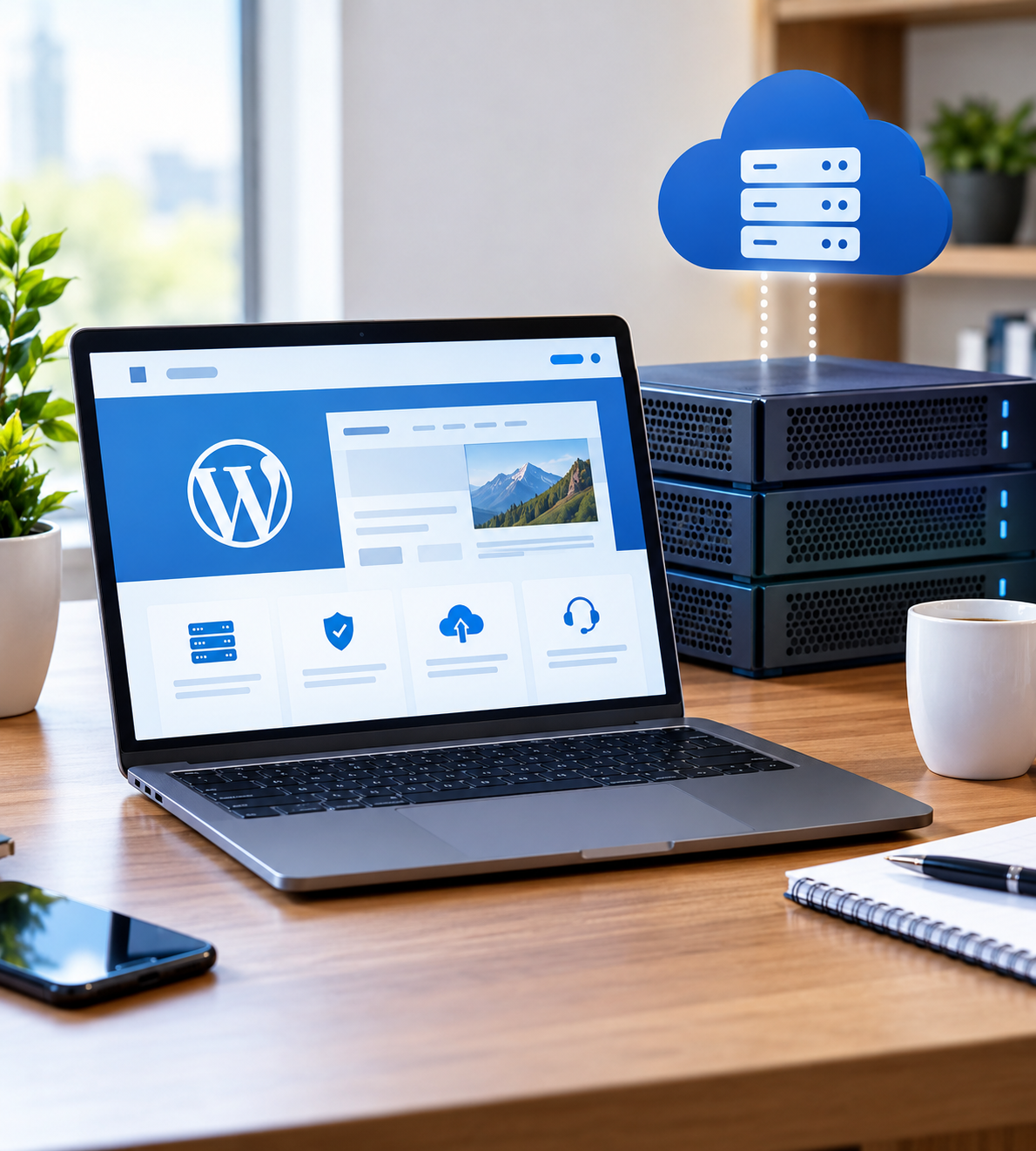
When comparing hosting plans, review storage, supported websites, security features, backups, customer support, and renewal rates. A low introductory price does not necessarily represent the total cost of keeping your website online.
Bluehost offers WordPress hosting options with different features and resource limits. Compare the current plans against your website’s needs instead of automatically choosing the cheapest or most expensive option.
3. WordPress Themes and Design
A WordPress theme controls much of your website’s visual appearance, including layouts, typography, colors, and page design. Free themes can provide a practical starting point for beginners, while premium themes may offer additional layouts, customization options, or specialized functionality.
You do not need an expensive theme to create a professional-looking website. Start by identifying the pages you need, such as Home, About, Services, Blog, and Contact.
Check whether a theme is regularly maintained, works on mobile devices, and supports the features you plan to use. Also, review its licensing terms to understand whether payment is one-time or recurring.
If you hire a designer or developer for a custom layout, design and development fees can become a significant part of your overall budget.
4. Plugins and Additional Features
Plugins extend WordPress functionality without requiring you to build every feature yourself. Depending on your website, you might need tools for search engine optimization, contact forms, website analytics, performance, online payments, or ecommerce.
Many plugins have free versions, while advanced features may require paid licenses.
Before purchasing a plugin, ask yourself:
- Does my website genuinely need this feature?
- Can a reliable free version meet my requirements?
- Is the license billed monthly or annually?
- Will the plugin work with my theme and other tools?
Avoid installing multiple plugins that perform the same task. Keeping your setup focused can reduce licensing costs and make website management easier.
5. Business Email
A professional email address using your domain can help your business communicate consistently with customers. For example, an address connected to your domain can look more appropriate for customer inquiries than a personal email account.
Email expenses depend on the service provider, number of mailboxes, storage, and collaboration features. Some hosting packages include email options, while others provide a trial or require a separate subscription.
Before choosing a service, confirm whether email hosting is included for the full subscription period. Consider the renewal price, mailbox limits, spam protection, and whether you need shared calendars or team collaboration tools.
If you run a personal blog, you may not need a paid business email service immediately. A business handling customer inquiries may benefit from budgeting for it from the beginning.
6. Backup and Security Tools
Website security and backups help protect your website and make recovery easier if something goes wrong. Depending on your hosting package, certain security features may already be included.
Look for SSL protection, malware scanning, access controls, and backup options. Check how frequently backups are created, how long they are retained, and whether restoring a backup requires an additional fee.
You may not need to purchase every security plugin available. First, identify what your hosting provider includes and then address any important gaps.
Remember that security tools cannot eliminate every risk. Keep WordPress, themes, and plugins updated, use strong passwords, and maintain backups that you can access if your website becomes unavailable.
7. Website Maintenance
Website maintenance keeps your site secure, updated, and running smoothly. Your budget may include software updates, backups, security checks, content improvements, and technical support.
Self-managing a simple website can save money, while complex websites may need paid professional support.

Plan for maintenance from the start rather than treating it as an unexpected expense after launch.
How to Create a Realistic Website Budget
Your total WordPress website cost depends on whether you build the site yourself or hire a professional. A basic DIY website may need only a domain, hosting, and a few essential tools. A custom business website or online store may require additional design, development, payment, and maintenance expenses.
Create two budgets before launching:
- Initial setup budget: Domain registration, hosting, design, and any essential setup services.
- Recurring budget: Domain renewals, hosting renewals, plugin licenses, email subscriptions, and maintenance.
Bluehost is one option to evaluate for hosting. Review its current plans, included features, introductory offers, and renewal rates on the official website before choosing a package.
Save More on Every Order – Grab the Latest Coupons & Deals:
Frequently Asked Questions
How much does a WordPress website cost for beginners?
The cost depends on your domain, hosting, design choices, and required features. A simple DIY website can cost considerably less than a custom-built website, particularly if you use free themes and plugins.
Is WordPress free to use?
WordPress software is free and open source. However, a self-hosted website generally requires hosting and a domain, while premium themes, plugins, and professional services may add costs.
Does Bluehost include a free domain?
Some eligible Bluehost hosting plans include a domain for the first year. Check the current plan terms, eligible domain extensions, and renewal charges before signing up.
Do I need premium WordPress plugins?
No. Many websites can begin with free plugins. Consider paid versions only when their additional features solve a specific problem or meet a genuine business requirement.
What is the most important website expense?
Hosting and domain registration are fundamental expenses for most self-hosted websites. However, design, development, security, and maintenance may become equally important depending on your website’s purpose.
Conclusion
Understanding how much a WordPress website costs starts with identifying the seven main expenses: domain registration, hosting, themes, plugins, business email, backup and security tools, and maintenance. The most practical approach is to pay for essential features first, compare renewal rates, and leave room in your budget for future improvements.
Bluehost is worth considering when comparing WordPress hosting options, especially if you want to evaluate hosting features and included services together. Review the available plans and calculate both your first-year expenses and ongoing costs before making a decision.